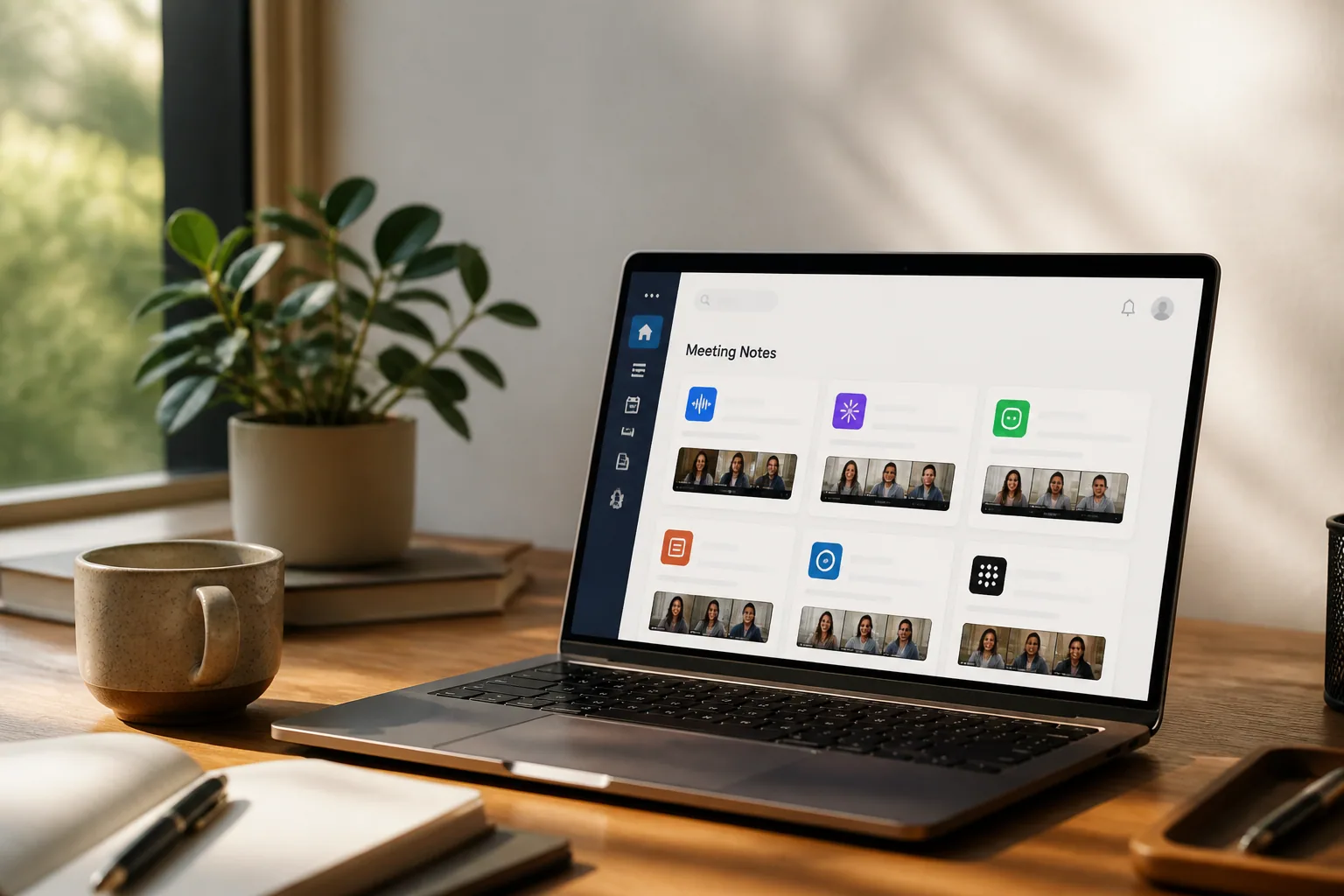
Everyone's Shipping an MCP Server — And It's Quietly Rewiring How Your Meetings Get Used
There's a particular kind of announcement that's been clogging your feed for months now: "We just launched our MCP server." Notion did it. Your CRM did it. The little analytics tool nobody on your team can quite explain did it. At some point it stopped feeling like news and started feeling like a tax everyone in software was suddenly paying. So what's actually going on — and why should anyone who sits in meetings all day care?
Here's the short version. Model Context Protocol, or MCP, is the plumbing that lets your apps talk to AI assistants like Claude and ChatGPT in a standard way. Anthropic open-sourced it in November 2024, and the adoption curve since then has been almost comically steep. By March 2026, the MCP SDKs were being downloaded around 97 million times a month — up from roughly 100,000 at launch. The community has published more than 10,000 active public servers, and that's before you count the private, enterprise-internal ones, which credible estimates put at three to four times that number.
That's the trend. The more interesting story is what people are actually pointing it at — and conversation data, the stuff that comes out of your meetings and calls, is turning out to be one of the most useful things you can plug in.
The week everyone became an MCP company
It's worth appreciating how fast this happened. OpenAI, Google, Microsoft and Salesforce all shipped MCP support within 13 months of the spec going public. Developer tools like Cursor, Replit and Zed picked it up almost immediately. The big agent frameworks — LangChain, LlamaIndex, Microsoft AutoGen, CrewAI — quietly made MCP the default way their agents call tools. When competitors who agree on nothing else all standardize on the same protocol in barely a year, that's not hype. That's a format war ending before it started.
The enterprise numbers tell the same story from a different angle. By early 2026, around 28% of Fortune 500 companies had MCP servers running in production AI workflows, and the majority of the 80%-plus of Fortune 500s now deploying AI agents connect those agents to tools through MCP. Remote MCP deployments — the hosted, sign-in-with-OAuth kind, as opposed to something running on your laptop — grew roughly fourfold since May 2025.
If you've ever lived through a standards shakeout, you know the relief of watching one win. For years, every integration was a bespoke project: a custom API wrapper here, a brittle Zapier chain there, all of it breaking the moment a vendor changed an endpoint. MCP collapses that into one interface an AI can discover and use on its own.
Quick definition: Think of an MCP server as a universal adapter for one of your apps. Instead of building a separate integration for Claude, another for ChatGPT, and another for whatever comes next, a company ships one MCP server — and every AI client that speaks MCP can use it.
From "AI in your app" to "your app in the AI"
For the last two years, the default move was to bolt a chatbot onto your product. Every dashboard sprouted a little "Ask AI" button. It was fine. It was also a bit of a dead end, because it kept the work trapped inside each individual tool — you still had to go to the meeting app for meeting answers, the CRM for CRM answers, the docs app for doc answers.
MCP flips the direction. Instead of putting AI inside your app, you put your app inside the AI. The conversation app — Claude, ChatGPT, Perplexity — becomes the place where work happens, and your tools show up there on demand. As of 2026, MCP connections are supported across Claude on every tier, ChatGPT (Plus, Pro, Business, Enterprise), Perplexity (Pro, Max, Enterprise), Grok's paid accounts, and Mistral's Le Chat. The Claude Connectors Directory alone lists more than 200 connectors, from Google Drive and Slack to Figma and Canva.
Then it got more interesting. In January 2026, Anthropic and OpenAI announced — on the same day — support for MCP Apps: connectors that don't just return text but render actual interactive UI inside the chat. A handful of products now carry an "Interactive" badge in Claude's directory, drawing real interfaces into the conversation rather than dumping a wall of JSON. The line between "an app" and "a thing that lives inside your AI assistant" is getting genuinely blurry.
Why conversation data turned out to be the killer use case
Plenty of MCP servers connect to databases or file storage, and those are useful in a dull, infrastructural way. But the connectors people rave about tend to involve conversation data — meetings, sales calls, interviews — and there's a good reason for that.
Your meetings are where decisions actually get made, commitments get spoken out loud, and context lives that never makes it into any system of record. The problem has always been retrieval: that one sentence where the client said "we'd need SOC 2 before we sign" is buried in a 47-minute transcript you'll never re-watch. An MCP server fixes exactly that. It exposes your transcripts, summaries, action items and follow-up drafts to an AI assistant, so you can just ask — "what did we promise the customer on Tuesday's call?" — and get the answer pulled straight from the source.
This is why a wave of meeting-focused tools shipped MCP servers ahead of almost everyone else. Fellow became a verified meeting notetaker in Claude's official connector directory, reviewed and approved by Anthropic, installable in a Claude for Work account with one click. Spinach pipes Zoom transcripts into Claude, Cursor and ChatGPT. Read AI, Convo and others did versions of the same thing. The common thread: connect once with OAuth, no code, and your meeting context becomes something the AI can reason over alongside the rest of your work.
Quick tip: Before you connect any conversation app to an AI client, check what the MCP server actually exposes and who can call it. A well-built one keeps the discovery handshake public but requires authentication before any tool touches your real data. If a connector wants broad access with no clear auth step, that's your cue to slow down.
What a conversation MCP workflow actually looks like
Strip away the protocol talk and the day-to-day is refreshingly boring, in the best way. Say you run five customer calls a week. Your meeting assistant captures and transcribes each one, generates a summary, and pulls out the action items. That's table stakes. The MCP layer is what happens next.
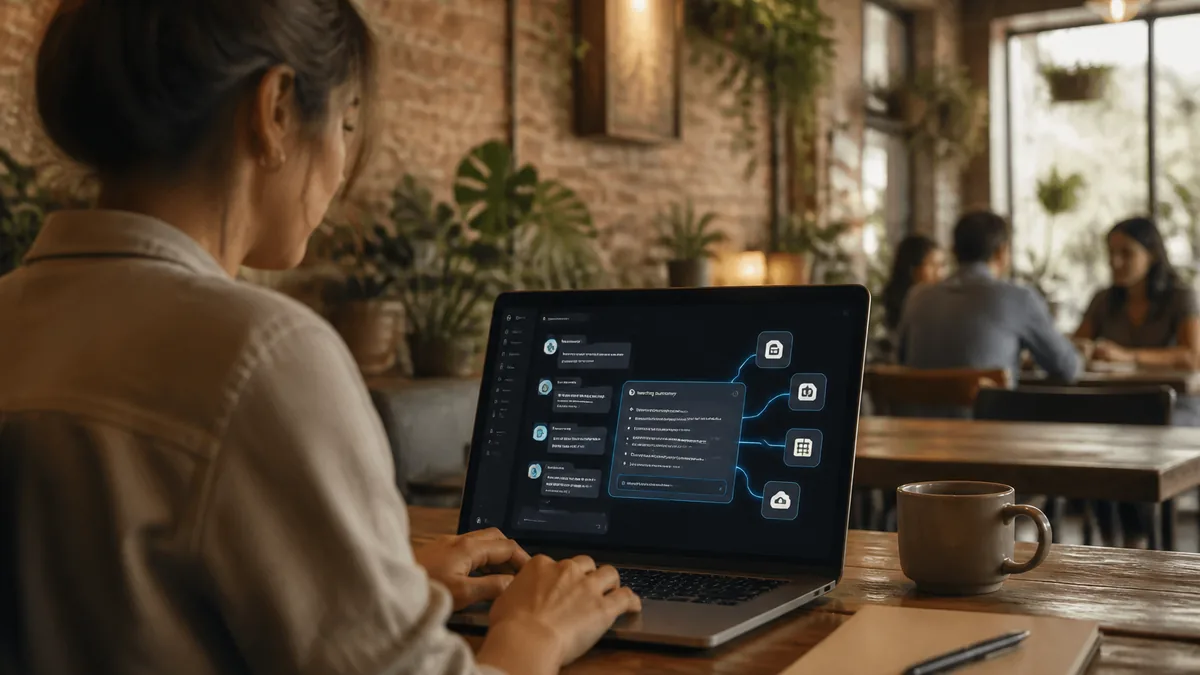
You open Claude on Friday afternoon and type: "Across this week's calls, which deals mentioned pricing concerns, and draft a follow-up for each." The assistant queries your meeting app's MCP server, reads the relevant transcripts and summaries, and comes back with a list and five drafts — without you opening a single meeting recording. The same notes are readable by ChatGPT, too, because they're exposed through one standard interface rather than a one-off integration.
That's the shift in a nutshell. The conversation app stops being a place you visit to read notes and becomes a source your AI assistant draws on automatically. The meeting work and the thinking work finally happen in the same window.
- Capture — the assistant records and transcribes the meeting, online or in person.
- Structure — it produces a summary and extracts action items and decisions.
- Expose — an MCP server makes that structured data available to AI clients.
- Act — you ask questions and trigger follow-ups from inside Claude or ChatGPT.
Where Laxis fits — and what's coming in beta
This is the part we're closest to, so we'll be straight about it. Laxis has spent years on the first three steps of that workflow: capturing and transcribing meetings, generating summaries that reflect what people actually meant rather than a raw word-for-word dump, pulling out action items, and pushing the results into your CRM so nobody has to log notes by hand. More than 100,000 professionals use it, the free plan includes 300 minutes a month, Premium runs $15.99/month, and Business is $29.99/month.
The piece we're adding now is the fourth step. A Laxis MCP server is currently in beta, which means your Laxis meeting data — transcripts, summaries, action items — is becoming available inside the AI assistants you already work in. The goal is simple: you shouldn't have to come to Laxis to use what Laxis captured. If your team lives in Claude or ChatGPT all day, your meeting context should be right there with you, queryable in plain language.
We're rolling it out deliberately rather than racing to be first, because conversation data is sensitive and the auth model matters more than the launch date. If putting your meeting history one question away inside your AI assistant sounds useful, that's exactly what we're building toward.
Your meetings, one question away. Capture every conversation with Laxis today — and get first access to the MCP beta as it rolls out.
The bottom line
The MCP gold rush isn't really about the protocol. It's a bet on where work is going to happen — and the smart money says it's moving into the conversation apps, with everything else plugging in behind the scenes. Most of the servers being announced this year will fade into infrastructure nobody thinks about, which is exactly what good plumbing should do. The ones that stick will be the ones connected to data you actually reach for, and few things qualify more than the record of what was said in your meetings. The interesting question for the rest of 2026 isn't whether your tools will speak MCP. It's which of your conversations you'll wish you'd been capturing all along.
Frequently Asked Questions
What is an MCP server and what does it do?
An MCP (Model Context Protocol) server is essentially a universal adapter that lets one of your apps talk to AI assistants like Claude and ChatGPT in a standard way. Instead of building a separate integration for each AI client, a company ships one MCP server, and every AI tool that speaks MCP can discover and use it. Anthropic open-sourced the protocol in November 2024, and by 2026 the community had published more than 10,000 active public servers. For meeting tools, an MCP server exposes transcripts, summaries, and action items so an AI can reason over them directly.
Why is meeting and conversation data such a good fit for MCP?
Meetings are where decisions get made and commitments get spoken aloud, but the key details are buried in long transcripts nobody re-watches. An MCP server solves the retrieval problem by exposing your transcripts, summaries, and action items to an AI assistant, so you can simply ask "what did we promise the customer on Tuesday's call?" and get the answer pulled from the source. That is why a wave of meeting-focused tools shipped MCP servers ahead of most other categories.
Is it safe to connect my meeting data to Claude or ChatGPT through MCP?
It can be, but the auth model matters more than the launch date. Before connecting any conversation app, check what the MCP server actually exposes and who can call it. A well-built server keeps the discovery handshake public but requires authentication before any tool touches your real data. If a connector wants broad access with no clear auth step, treat that as a reason to slow down. This is exactly why Laxis is rolling out its MCP server deliberately rather than racing to be first.
Does Laxis have an MCP server?
A Laxis MCP server is currently in beta. Laxis already captures and transcribes meetings, generates summaries that reflect what people actually meant, extracts action items, and pushes results into your CRM. The MCP server adds the final step: making that meeting data — transcripts, summaries, and action items — queryable in plain language inside the AI assistants you already use, so you don't have to come to Laxis to use what Laxis captured. Capturing meetings with Laxis now also gets you first access to the MCP beta as it rolls out.