Repurposing Audio Into Content: A Practical Workflow
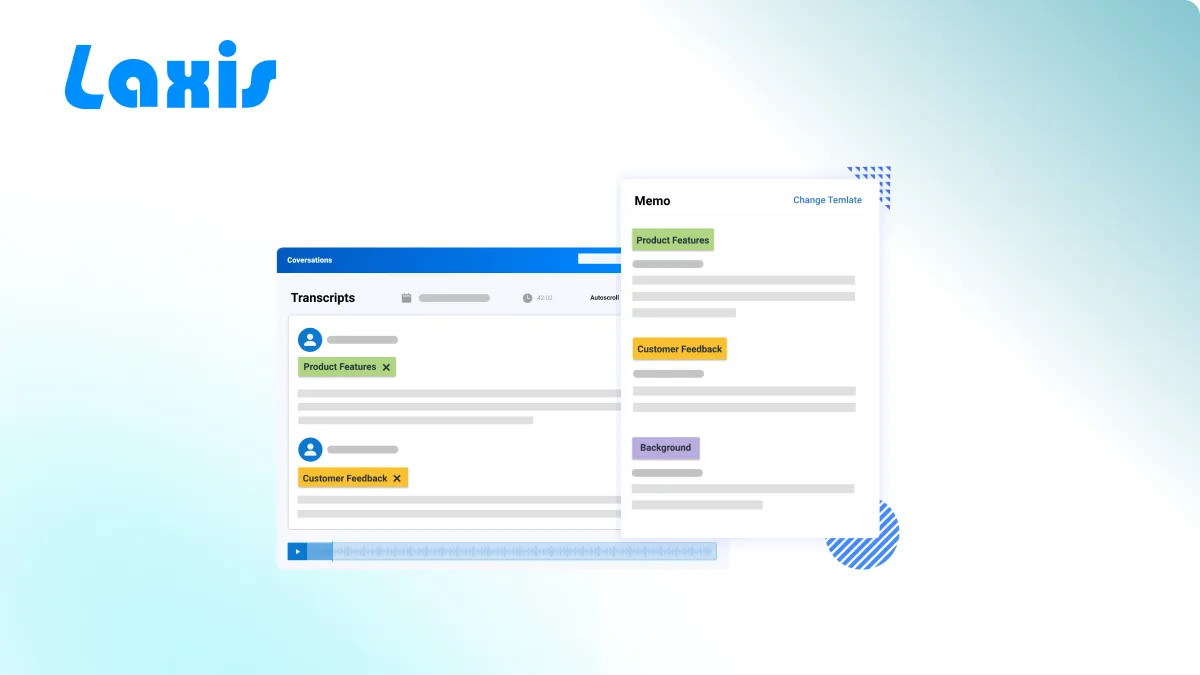
It's hard to create high-quality content from podcasts, webinars, interviews or other audio content. Content creators need to spend a lot of time manually turning existing interviews and shows into transcripts and then write shareable content.
Laxis automates the whole process of repurposing audio content into well written blogs, newsletters, shownotes, social media posts and much more.
- Upload your podcasts, interview or any other audio file to Laxis. (You can also use Laxis integration with Zoom, Google Meet and Webex to get the audio directly from your meeting into Laxis. You can find detailed information on our integrations here: /integrations )
-
Wait for Laxis to process. For a 30 minute audio file, it usually takes about 30 minutes for Laxis to process.
-
View the transcripts. When the audio file is ready, click on the name of audio, view the transcripts, make any edits if needed.
-
Choose an AI template and generate your content.
-
Make any edit and then share.
-
Collaborate with your team. You can share it with your teammates by clicking on the share button and choosing the channel to share. You can find more instruction on team channel here: /blog/team-channel-user-guide
Frequently Asked Questions
How do I turn a podcast or interview into written content?
Upload your podcast, interview, or any audio file to Laxis, and it transcribes the recording into editable text. From there you choose an AI template to automatically generate blogs, newsletters, show notes, or social media posts from the same audio.
What types of content can Laxis create from audio?
Laxis can repurpose a single audio file into well-written blogs, newsletters, show notes, social media posts, and more. You pick the AI template that matches the format you need, then edit and share the result.
Can I pull audio from my Zoom, Google Meet, or Webex meetings into Laxis?
Yes. In addition to uploading files directly, Laxis integrates with Zoom, Google Meet, and Webex so the audio from your meetings flows straight into Laxis. You can find details on each integration on the Laxis integrations page.
How long does Laxis take to process an audio file?
Processing time scales roughly with the length of your recording. As a guideline, a 30-minute audio file usually takes about 30 minutes for Laxis to process before the transcript is ready to view and edit.