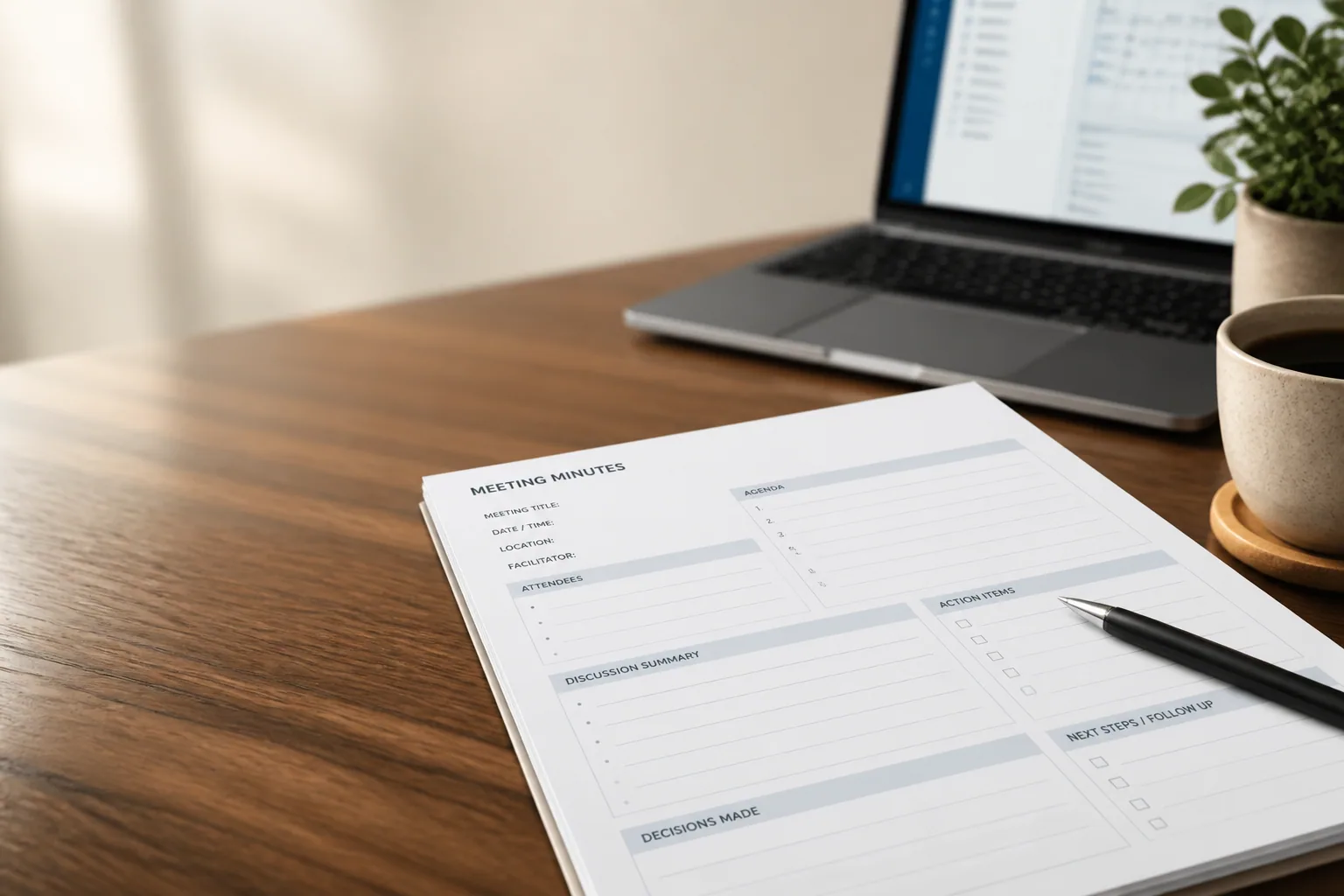
AI Meeting Notes: What They Look Like and What They Miss

AI meeting notes are a written record of a meeting that software produces for you: the tool captures the audio, transcribes it, then generates a summary, a list of decisions and a set of action items from that transcript. The source is the whole distinction. A person taking notes writes down whatever they can catch while also trying to take part in the conversation. AI meeting notes are derived from the complete transcript after the call ends, so nothing is lost because someone got distracted - and nothing is prioritised because someone had judgment, either.
That second half is the part most articles skip. Automatic notes are reliably complete and unreliably correct, and the gap between those two things is where the real work sits. Most tools produce roughly the same set of parts, so what follows applies whichever one you use - if you have not picked yet, start by comparing the best AI note takers. What matters here is what should be on the page after a call, how to judge whether it is any good, and what to do when it is not.
What's Actually in a Set of AI Meeting Notes
Six parts, give or take a label. Tools name them differently, but if any of these is missing you will feel it within a week.
- A summary. Two sentences to two paragraphs describing what the meeting was about and how it landed. The shortest piece of the page and the one people actually read.
- Decisions. What the group settled. Separated from discussion, because "we talked about pricing" and "we agreed on pricing" are different facts.
- Action items with owners. A task, a name, ideally a date. This is the part that turns a record into work.
- Topics or sections. The meeting broken into chunks with timestamps, so you can jump to the four minutes you care about.
- The transcript underneath. Near-verbatim, timestamped, searchable. The notes are a claim; the transcript is the evidence for it.
- Speaker attribution. Who said which line. Without it you have a wall of text and no way to hold anything to a person.
What one looks like
Here is an invented but ordinary example - a 40-minute discovery call with three people on it.
Summary
Northwind wants to replace a homegrown reporting tool before an audit in April. Priya holds the budget and wants single sign-on in the first phase. Marco pushed back on the April date because his team is mid-migration. Pricing did not come up.
Decisions
- Phase one scope is single sign-on plus the two audit reports (00:21).
- The security review happens before contract, not after (00:34).
Open questions
- Whether the April audit date can move. Priya and Marco disagreed and left it there (00:29).
Action items
- Priya - send the current audit report templates by Friday.
- Marco - confirm the migration end date with his team this week.
- Dana - send the security questionnaire today.
Topics
- 00:02 Current reporting setup
- 00:14 Audit requirements
- 00:21 Phase one scope
- 00:29 Timeline disagreement
- 00:34 Security review process
Transcript (excerpt)
00:29:12 Marco: April is not realistic for us. We are still moving the warehouse.
00:29:20 Priya: The audit date is not ours to move.
Look at what the notes do there that a raw transcript cannot. They put a name on every task, and they keep the April argument in an open questions list instead of burying it in a paragraph about timelines. That second move is the difference between notes you can act on and notes you have to re-listen to before you trust.
Notes vs Transcript vs Minutes
These three get used interchangeably and they are not the same document. The quickest way to keep them straight is to ask who the reader is and what authority the document carries.
| Artefact | What it is | Who reads it | What it counts as |
|---|---|---|---|
| Transcript | Near-verbatim text of everything said, timestamped and speaker-labelled | Anyone who needs the exact wording | Raw evidence |
| Notes (including AI meeting notes) | The readable derivative: summary, decisions, owned action items | The people who were there, plus whoever missed it | Working record |
| Minutes | The formal record of a governed meeting, approved at the following meeting | Boards, committees, auditors | Official record |
The practical consequence: AI meeting notes are a working record, so you can fix them, trim them and send them the same afternoon. Minutes cannot be treated that way, because their value comes from the approval process around them. What a meeting transcript actually is, the craft of writing effective meeting notes by hand, and the rules for keeping proper minutes of meeting each get their own page on this blog. Three different jobs. Do not let a tool convince you it has done the third one.
Where AI Meeting Notes Go Wrong
Every failure below is common, cheap to catch and expensive to miss. None of them mean the notes are useless - they mean the notes need two minutes before anyone else reads them.
Speaker labels swap on crosstalk
When two people talk over each other, the model has to guess where one voice stops and the next begins, and it gets the boundary wrong. You end up with a quote attributed to the wrong person - or worse, an action item assigned to whoever was objecting to it. If you remember a moment where people interrupted each other, that is where to look first.
Proper nouns and product names come out mangled
Customer names, internal codenames, acronyms, anything from your own vocabulary. A product name turns into a similar-sounding common word and the same error repeats through the whole document. Fix it once, at the source: add your accounts, products and codenames to a personal dictionary. Laxis calls it the Personal Dictionary, and most tools have some version of it. This is the single highest-return five minutes of setup in any note-taker.
An action item lands with no owner
This is the most common failure by a wide margin, and it usually reflects the meeting rather than the software. Nobody said a name out loud, so the notes record "follow up on pricing" with nothing attached to it. An unowned task is not a task. Assign one, add a date, and our guide to writing action items that get done has the longer version.
The summary flattens a disagreement into false consensus
Summarisers are built to be concise and tidy, and a real argument is neither. So the April dispute in the example above comes out as "the team aligned on an April timeline". This one is the most expensive error on the list because it reads perfectly well and you act on it. When a call had genuine conflict in it, read the decisions and open questions lists and treat the summary paragraph as decoration.
Decisions get recorded that were still open
"We could go with option B" gets logged as "the team decided on option B". Anything that changes scope, price or a date deserves a glance against your own memory before the note leaves your hands. Two seconds per line.
If you only check one thing before you send, check the owners. Wrong names get corrected by whoever reads them. Missing owners just quietly do not happen.
How Each Role Uses Them
Sales: the decisions and the next steps
Reps skip the summary and go straight to decisions and action items, because those are what goes in the follow-up email and the deal record. The notes also travel: Laxis pushes summaries and action items into HubSpot and Salesforce on the Business plan at $29.99/user/mo, or $19.99 billed yearly - that is Business, not Premium. Best practice: before anything reaches the CRM, confirm every next step has a name and a date, and read the open questions list for the objection you half-heard.
Customer success: notes as account history
For CS, the value is cumulative. One call's notes are a recap; two years of them are how you know what this customer was promised, and by whom. Keep the decisions section in the account record rather than pasting the whole summary, and keep the customer's own wording for anything contested. Best practice: write the commitments you made into the record, not just the ones they made to you.
Consultants: notes as the first draft of a deliverable
Client recaps, workshop write-ups and scope confirmations all start in the notes, which means the review pass is billable work rather than admin. On-site sessions are not a problem either - mobile capture handles a room, and you can upload audio you recorded some other way. Best practice: send the recap the same day, with the scope decisions stated plainly enough that silence counts as agreement.
Product: quote the transcript, not the summary
Interview notes are for finding your way back to the moment, not for replacing it. When a user's phrasing goes into a spec or a research write-up, take the verbatim line out of the transcript - the summary's paraphrase has already smoothed off whatever made the quote worth having. Best practice: cite with a timestamp so the next person can hear it for themselves.
Executives: the summary and the open questions
For meetings you did not attend, the summary plus the decisions is usually the whole job, and the transcript is there for the one time you need it. The more useful ask is upward pressure on format. Best practice: tell your teams to leave the open questions in. A tidy note tells you things went well; an open question tells you where you can be useful.
Making the Notes Usable
The review pass is short. Two or three minutes, in this order, every time.
- Check the owners. Every action item gets a name and a date, or it gets deleted. Nothing in the list should read like a wish.
- Fix the names. Correct the mangled proper nouns, then add them to your dictionary so it is a one-time cost rather than a weekly one.
- Confirm the decisions. Anything that was still being argued about moves out of decisions and into open questions. This is the step that protects you three weeks later.
- Send it while it is fresh. Same day, to everyone who was on the call and everyone who should have been. A note nobody reads is just storage.
Where the notes land matters as much as what is in them. Zoom, Google Meet and Microsoft Teams calls all end up in the same place, a bot-free capture option exists for teams that would rather not have a visible participant join, and uploaded audio goes through the same pipeline as a live call. If your meetings run in more than one language, transcription covers 100+ languages with automatic detection, translation can run side by side as people speak, and the Business plan will switch between up to five languages inside a single meeting.
Good AI meeting notes are not a replacement for paying attention. They are a way to stop paying attention to the wrong thing - to stop typing while someone is telling you why the deadline will slip. The free tier of the Laxis AI meeting assistant gives you 300 transcription minutes a month with no credit card, capped at 45 minutes per recording, which is enough to run a week of real calls through it and judge the output yourself. Premium is $15.99/user/mo, or $9.99 billed yearly, and raises the cap to two hours. Business is $29.99/user/mo, or $19.99 billed yearly, with a four-hour cap and the CRM sync.
Run one call through it, then read the notes with this page open next to them.
Frequently asked questions
What are AI meeting notes?
AI meeting notes are a meeting record generated by software from a transcript of the conversation, typically containing a summary, the decisions made, action items with owners, and timestamped sections over the full transcript. The difference from ordinary notes is the source: they derive from everything that was said, rather than from what one person managed to write down.
What is the difference between AI meeting notes and a transcript?
A transcript is the raw, near-verbatim text of everything said; notes are the readable derivative built from it. The transcript is evidence you search when you need exact wording, and it is usually far too long to read. The notes are what you send to people - a summary, decisions and owned tasks that fit on one screen.
Are AI meeting notes accurate enough to rely on?
Accurate enough to rely on after a short review, not before one. Transcription of clear speech is strong, but expect three specific errors: speaker labels swapped during crosstalk, proper nouns and product names mangled, and summaries that tidy a disagreement into consensus. Check the owners on every action item, fix the names, and confirm anything recorded as a decision.
Can AI meeting notes capture in-person meetings?
Yes. Mobile and desktop apps record a conversation happening in a room, so on-site workshops, one-to-ones and hallway conversations produce the same notes as a video call. You can also upload audio you recorded some other way and get a transcript, summary and action items back from the file.
Do AI meeting notes work in languages other than English?
Yes. Laxis transcribes 100+ languages and detects the spoken language automatically, and translation can run side by side while people are still talking. On the Business plan, a single meeting can switch between up to five languages and still produce one coherent set of notes - useful for calls where people drop into their first language mid-sentence.
Can AI meeting notes sync to my CRM?
Yes, on the Business plan. Laxis pushes meeting summaries and action items into HubSpot and Salesforce at $29.99/user/mo, or $19.99 billed yearly - this is a Business-tier feature, not a Premium one. Give the notes their review pass first, because a CRM record inherits every unowned action item and every false decision you did not catch.