Best Lecture Recorder Apps for Students in 2026
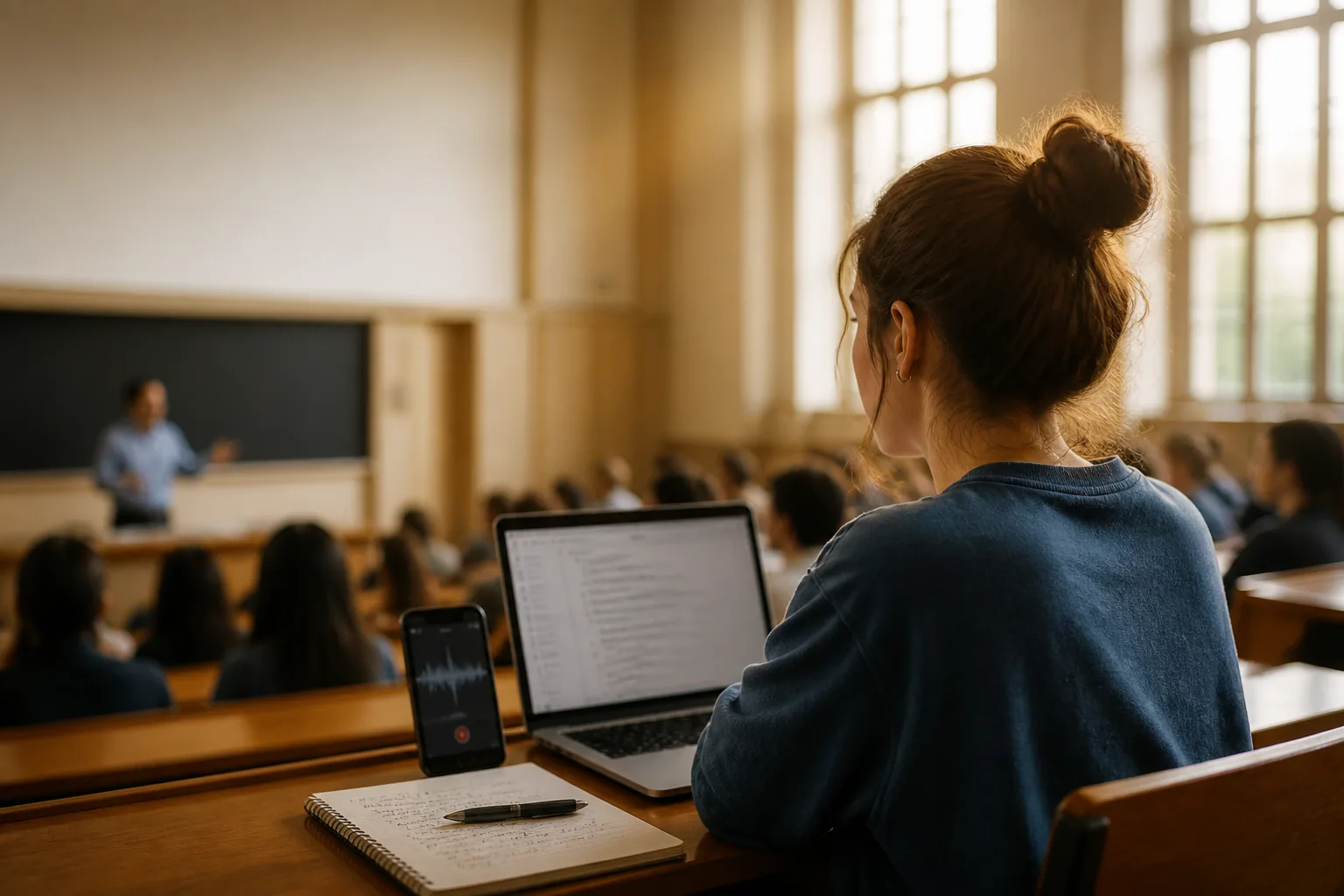
It's week eight, the professor is three slides deep into a derivation, and you've just realized your notes from minute twelve make no sense. You meant to write "inversely proportional." You wrote "in verse." That gap between what was said and what you scribbled is exactly the gap a good recorder closes.
A lecture recorder isn't about being lazy. It's about being able to listen instead of frantically transcribing, then getting an accurate record to review the night before the exam. The catch is that "recorder" now means a dozen different things, from the free app already on your phone to a $160 gadget that clips to your shirt. I've sorted through the 2026 options so you can pick one that fits how you actually study, not how a marketing page imagines you do.
What actually matters in a lecture recorder
Before names and prices, here's the short list of things that separate a tool you'll keep using from one you'll abandon by midterms. Most apps tick a few of these boxes. Almost none tick all of them, so decide which two or three matter most to you.
- Transcription accuracy. The whole point. Notta claims 95-98% in clean conditions; real lecture halls with echo and accents knock that down. Front-row audio helps more than you'd think.
- Long sessions. A class runs 60 to 90 minutes. Some free plans cap a single recording at 30 minutes or even 3, which quietly ruins the recording you needed most.
- Battery and offline. A two-hour seminar can drain a phone that's also pushing audio to the cloud. Check whether the app records offline and processes later.
- Automatic notes and summaries. A raw transcript is a wall of text. The good tools hand you a summary, key points, and sometimes action items so you're not re-reading 9,000 words.
- Organization and search. By finals you'll have 40 recordings. Being able to search "Krebs cycle" across all of them is the difference between a library and a junk drawer.
- Export. Can you get your transcript out as text, PDF, or into Notion and Google Docs? Locked-in notes age badly.
- Price and student plans. Student budgets are real. Several tools offer .edu discounts or usable free tiers; pay only for what your class load needs.
- Consent etiquette. Not a feature, but the one that gets students in trouble. More on that below.
Tip: test on a low-stakes class first. Run your chosen recorder through one ordinary lecture before you rely on it for an exam-heavy one. Check the transcript for the technical terms specific to your field. If "eigenvector" comes out as "I can vector," add it to the app's custom vocabulary now, not the week of the final.
Six lecture recorders worth your time
These run from free-and-already-installed to dedicated AI tools. I've kept the pros and cons honest, because the best lecture recorder for a film-studies major taking notes in English is not the same one a med student juggling Latin terminology needs.
1. Your phone's native voice recorder (Voice Memos / Google Recorder)
Free, already on your phone, and genuinely capable in 2026. iPhone Voice Memos (iOS 18 and later, iPhone 12 or newer) now generates transcripts after a recording finishes. Google Recorder on Pixel goes one better and transcribes live as the lecture happens.
Pros: Free, unlimited length, no account, fully offline. Hard to beat for reliability.
Cons: No real summaries or action items. Search is basic. Voice Memos only transcribes after the fact and only in supported languages, and Google's live transcription is Android-only. You're on your own for turning the transcript into study notes.
2. Otter.ai
The name most students know. Otter records, transcribes live, and produces a summary, and it integrates with Zoom and Meet for online classes.
Pros: Live transcript you can highlight mid-lecture. Solid summaries. Students and teachers with a .edu email get 20% off Pro, which brings the annual plan to about $6.67/month (billed $79.99/year).
Cons: The free plan's 300 monthly minutes sound generous until you hit the 30-minute-per-conversation cap, which is shorter than a single class. Pro lifts that to 1,200 minutes a month and 90 minutes per conversation. English is clearly its strongest language.
3. Notta
A strong transcription engine with broad language support, which makes it a favorite for international students and language courses.
Pros: Reports 95-98% accuracy in clear conditions across 58 languages. Pro runs $13.99/month, or about $8.17/month on annual billing, and includes 1,800 minutes (30 hours) a month.
Cons: The free tier is tight: 120 minutes a month with a per-file cap so short it can't hold a full lecture, plus a limited number of AI summaries. Accuracy dips in noisy rooms and with strong accents, same as everyone.
4. A dedicated AI recorder (Plaud Note / NotePin)
If you record constantly and want hardware built for it, Plaud's devices are the 2026 reference point. The Plaud Note is a slim recorder; the NotePin is a wearable you clip on for hands-free capture.
Pros: Up to 30 hours of continuous recording, 60-day standby, and 64GB of local storage, so battery and offline anxiety mostly disappear. AI transcription with speaker labels in 100+ languages, plus templates and a math-to-LaTeX feature STEM students like.
Cons: It's hardware you buy and carry. The free Starter plan covers 300 minutes a month; heavier use pushes you to Pro at $99.99/year or Unlimited at $239.99/year. One more device to charge and not lose.
5. Laxis
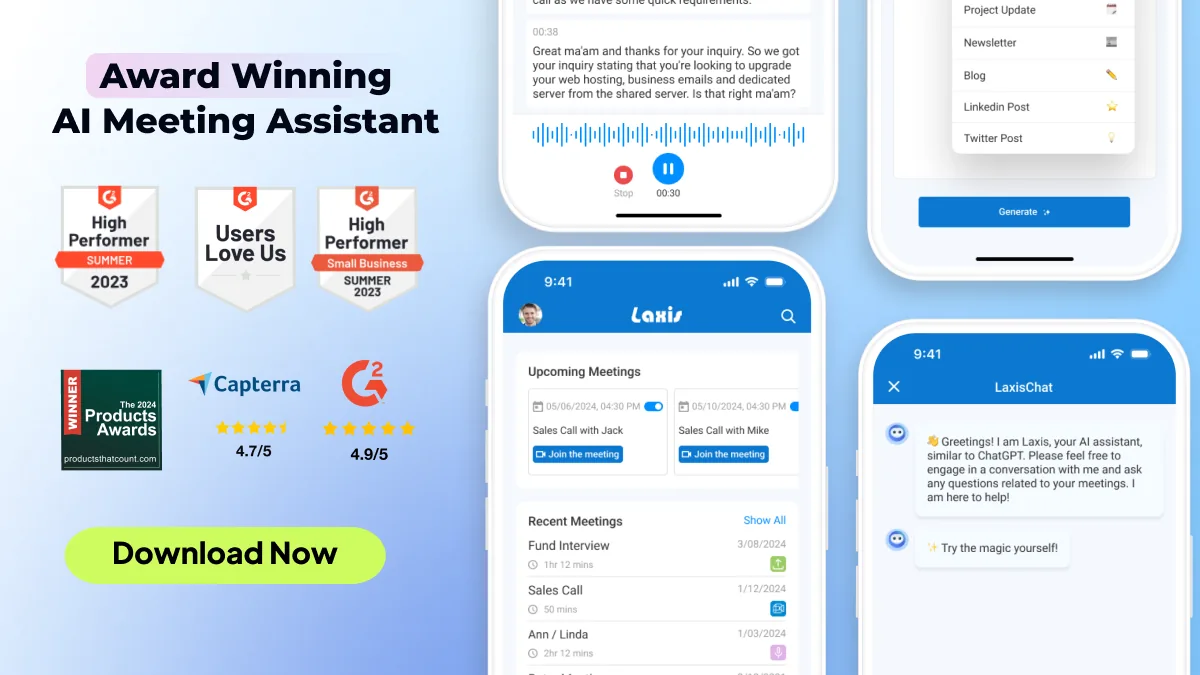
Laxis records, transcribes, and summarizes in 40+ languages, then turns a lecture into searchable notes with key points pulled out automatically, so the transcript becomes something you can actually revise from. It works with Zoom, Meet, and Teams for online and hybrid classes, and there's a free plan to start. For in-person lectures, its OSO AI Earbuds handle the recording.
Pros: Strong multilingual coverage, automatic summaries and structured notes, and search across everything you've captured. Useful if your week mixes in-person and online classes.
Cons: It's built for meetings and calls as much as classes, so a few features aim at professional users you won't need as a student. It's not a study-flashcard app; it's a capture-and-summarize tool.
6. Google Live Transcribe (accessibility pick)
Worth a separate mention because it serves a different need. Live Transcribe is a free Android app built for accessibility, showing real-time captions of speech on screen.
Pros: Free, instant on-screen captions, excellent for following along in real time if you're hard of hearing or process better by reading.
Cons: Android-only, and it's built for live reading rather than saving and editing. It lacks the summaries and organization of the dedicated tools, so pair it with a recorder if you also want a record to keep.
Tip: record the audio, but keep writing a little. The students who get the most out of a recorder don't stop taking notes entirely. They jot timestamps and one-line cues ("9:42 — she said this is on the exam") so they can jump straight to the moments that matter instead of re-listening to 80 minutes. The recorder is your safety net, not your replacement brain.
The part nobody tells you: ask first
Here's where students get caught off guard. Recording a lecture is not automatically yours to do. Most universities expect you to get the instructor's permission before you hit record, and plenty of syllabi spell out a recording policy you may have skimmed past. A professor can absolutely prohibit recording as a matter of classroom policy, and quietly recording against that policy can become an academic-integrity problem.
The clear exception is accessibility. Under Section 504 of the Rehabilitation Act, a student who's approved to record through their school's disability or accessibility office generally cannot be blocked from recording, even if the professor's default policy says no. If you have a documented need, that's the route: register with the accessibility office, get the accommodation on paper, and you're protected. Many schools have you sign a short recording agreement as part of it.
And whichever path applies, the recording is for you. Lecture recordings made as an accommodation typically can't be shared without the lecturer's consent, and the same courtesy holds for everyone: don't post a professor's lecture, don't sell your notes built from it, don't drop the file in a group chat with 200 people. A thirty-second email before the semester starts ("I'd like to record lectures for my own review, is that okay?") prevents almost every awkward situation. Most professors say yes.
Turn a 90-minute lecture into notes you'll actually read
Laxis records, transcribes, and summarizes in 40+ languages, pulls out the key points automatically, and makes every class searchable. Works with Zoom, Meet, and Teams, with a free plan to start.
The bottom line
The best lecture recorder is the one whose transcript you actually open again. A flawless recording you never review is worth less than a rough one you turn into a five-bullet summary the same evening. Whatever you pick, build the ten-minute habit of skimming the transcript while the lecture is fresh, tagging the parts that matter. The app captures the words; you still have to decide which ones are worth keeping.
Frequently asked questions
Do I need permission to record a lecture?
Usually yes. Most universities ask you to get the instructor's permission before recording, and many syllabi state the policy outright. The big exception is a documented accessibility accommodation: under Section 504 of the Rehabilitation Act, a student approved to record through the disability office generally cannot be blocked from doing so. Either way, recordings are for your personal study and shouldn't be shared or posted without the lecturer's consent.
Can my phone's built-in app handle a 90-minute lecture?
Yes for the audio. iPhone Voice Memos (iOS 18 and later, iPhone 12 or newer) and Google Recorder on Pixel both handle long sessions easily and now produce transcripts. Google Recorder transcribes live as you record; Voice Memos generates the transcript after you stop. Neither writes a structured summary, so you'll do that part yourself.
Which lecture recorder is most accurate for transcription?
Dedicated tools tend to lead. Notta reports 95-98% accuracy in clear conditions across 58 languages, and other AI recorders perform similarly with a good mic. Accuracy drops in noisy halls, with strong accents, or with heavy technical vocabulary, so expect to clean up a few terms regardless of the app. A seat near the front and a quiet room matter more than the brand.
Is there a free lecture recorder good enough for students?
Several. Your phone's native recorder is free and unlimited. Otter's free plan offers 300 minutes a month but caps each recording at 30 minutes, which is short for one class. Notta's free tier gives 120 minutes monthly with a tight per-file cap. Laxis has a free plan as well. Free tiers usually limit minutes or summaries, so map them to your actual class load before paying.
Should I buy a dedicated recording device or just use an app?
An app on a phone you already own covers most students. A device like the Plaud Note makes sense if you record constantly and want long battery life and local storage; it advertises up to 30 hours of continuous recording and 64GB on board. For a few classes a week, an app saves you the hardware cost and one more thing to charge.