Plaud NotePin Review: Pros, Cons & Alternatives (2026)
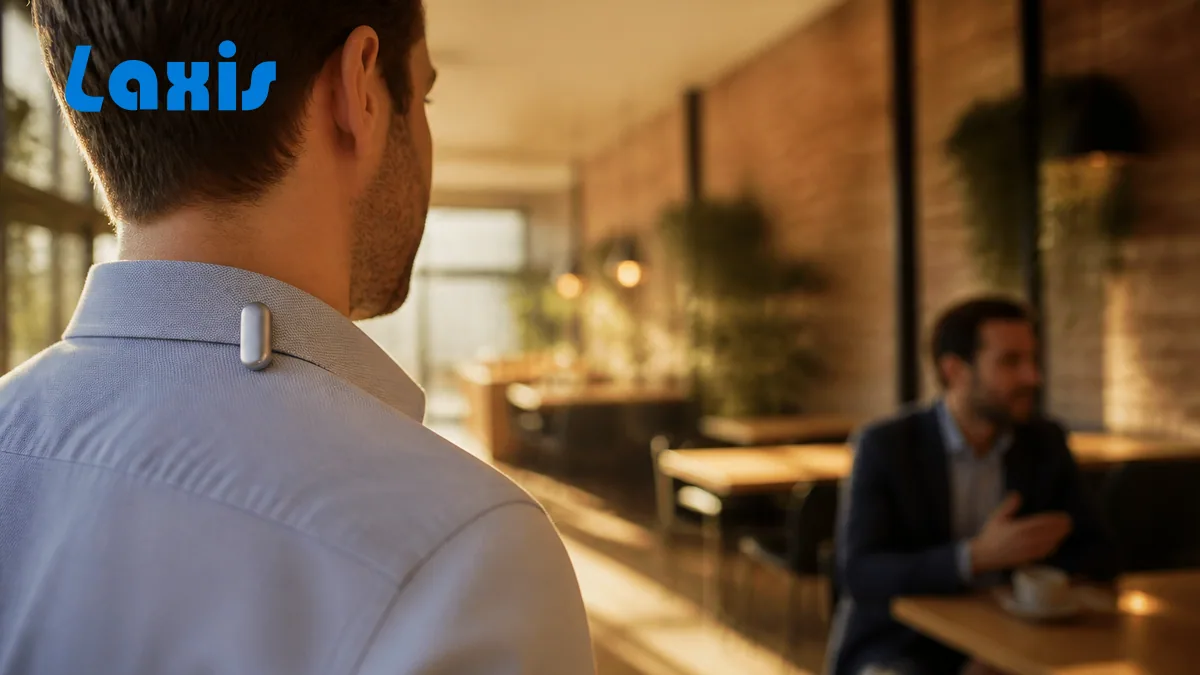
The Plaud NotePin is about two inches long, under an inch wide, and weighs 0.59 ounces. You clip it to your collar in the morning and, in theory, stop thinking about it. That's a different proposition from a card-shaped recorder — including Plaud's own Note, which still asks you to pull something out of a pocket and set it on a table.
Wearables get dismissed as gimmicks more often than they deserve. They aren't. There's a whole category of conversation a laptop, a phone, and a meeting bot simply cannot reach, and a pin on your shirt reaches it effortlessly. The real question isn't whether the NotePin works — it's whether the conversations you'd want captured happen away from a screen.
So this Plaud NotePin review is built around that: what the device is, how the four wearing modes hold up, the one hardware decision Plaud got wrong on the base model, whether the NotePin S is worth $20 more, and who should skip the category altogether. Prices, plans and specs were checked on plaud.ai on November 16, 2026.
The short verdict. Choose the NotePin S if your important conversations happen on your feet (site walks, rounds, field visits) and you want a dedicated microphone on your collar all day. Skip the base NotePin unless $159 is a hard ceiling.
Choose Laxis if your week runs mostly on Zoom, Google Meet or Teams, or you'd rather record with the computer, phone or Apple Watch you already own than charge another device.
14-day Premium trial, no credit card. Try Laxis free · How Laxis and Plaud compare
What the Plaud NotePin actually is
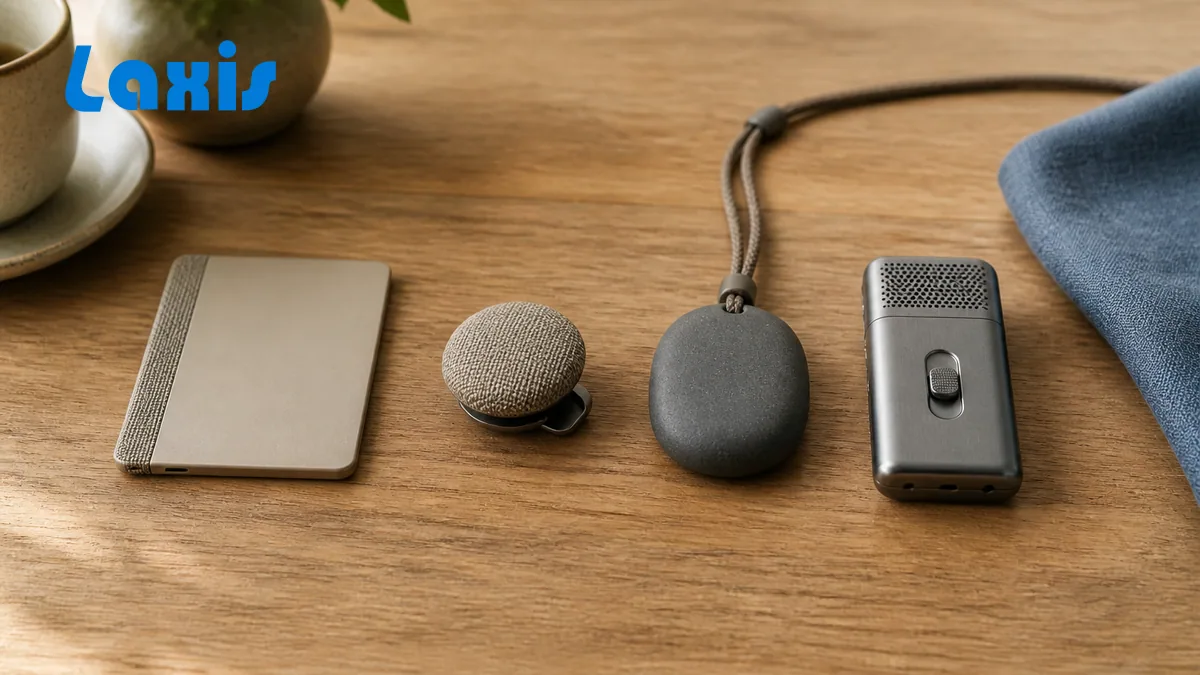
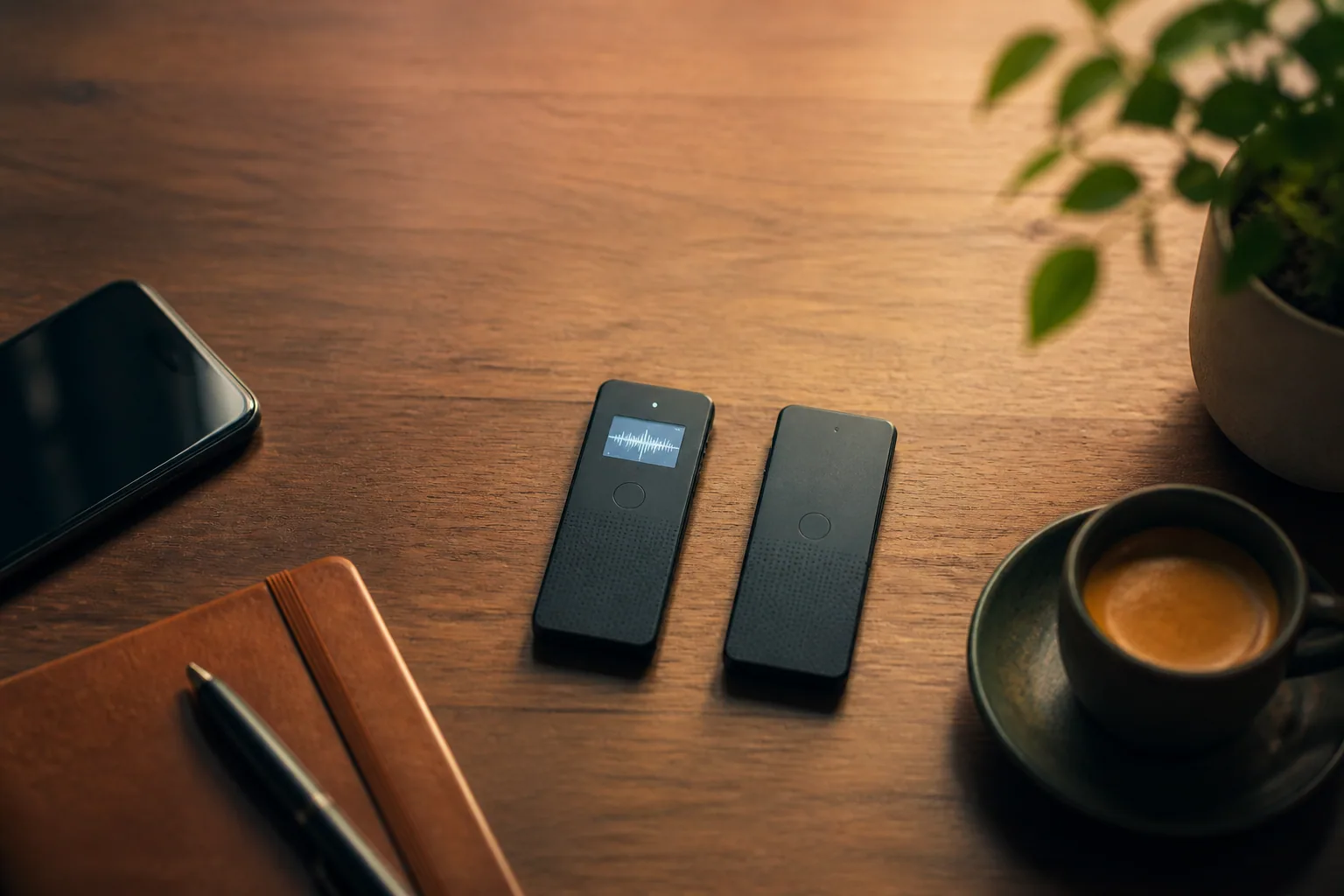
Physically, it's a 2.01 x 0.83 x 0.43-inch capsule in aluminum alloy and polycarbonate. Two MEMS microphones, 64GB of onboard storage, a 270mAh battery Plaud rates for 20 hours of recording and 40 days on standby, and microphones Plaud rates for voices up to 9.8 feet away. No screen. Apple Find My is supported (setup needs iPhone, not Android), which for something this small is less of a checkbox than it sounds. In the box: the NotePin, a magnetic pin, a clip, a charging dock and a USB-C cable, for $159.
What it isn't matters just as much. The NotePin does not record phone calls — there's no call mode at all. Plaud keeps handset capture for its card devices, which attach magnetically to the back of your phone, and for Plaud One, its new earbuds-and-case device, on pre-order as we write. The pins are in-person recorders, full stop. The base NotePin also can't mark moments mid-recording: Plaud's support pages say it doesn't support Highlights, even though its product page mentions them, while the NotePin S highlights with a short press of its button.
The intelligence lives in the same Plaud app every device in the lineup shares. Recordings sync to Plaud's cloud, get transcribed in 112 languages with speaker labels, and run through a summary template from a library Plaud puts at more than 10,000. Ask Plaud now works in two modes: Chat answers questions about your recordings, and Work, part of the agent features Plaud began rolling out with its October app update, spends a new allowance called Plaud Credits. You can add images, text and files as context, and Plaud Desktop, still labelled beta, records online meetings on Windows or macOS without a meeting bot. On compliance, Plaud's product pages list SOC 2 Type II, HIPAA, GDPR and EN 18031; its App Store listing adds ISO 27001 and ISO 27701.
The subscription is account-level and identical across every Plaud device. Free Starter gives you 300 transcription minutes a month; Pro is $99.99 a year (or $17.99 monthly) for 1,200 minutes; Unlimited, which Plaud now defines as up to 24 hours a day, runs $239.99 a year or $29.99 monthly, and there's a per-seat Team plan for businesses. Minutes reset each billing month instead of rolling over, and hitting the cap pauses transcription, not recording. For the full year-one arithmetic, our Plaud Note review works through it tier by tier.
Wearing it all day: pin, clip, lanyard, wristband
Plaud lists four wearing modes and they are not equally good. The magnetic pin is the default and the most practical: half sits behind your shirt, the capsule snaps on through the fabric, and it lands at collar height where it belongs. The clip is more versatile — lapel, pocket edge, bag strap — though a bag strap puts it further from your mouth. A lanyard hangs it roughly a foot below your chin, a good spot acoustically and an obvious one, which is no bad thing when you're recording people. The wristband works, looks odd in a meeting, and drops the microphones to hand height, which costs you clarity.
Worth knowing before you order: the $159 NotePin ships with only the magnetic pin and clip. The lanyard and nylon wristband are $19.99 each and a silicone wristband is $29.99, or Plaud sells a NotePin Combo with both, listed on sale at $169 when we checked. The NotePin S includes all four.
Placement is the entire ballgame with a body-worn recorder. Collar level is excellent. A pocket is bad — fabric muffles the microphones and every shift of your body becomes rustle in the transcript. And a capsule this small is easy to lose track of when it rides on a coat you take off, which is where Find My earns its place.
Ask this before you clip anything to your shirt. Sort last week's conversations into two piles: the ones that happened in front of a screen and the ones that didn't. If the screen pile is most of it, a wearable is solving a problem your laptop doesn't have — a software meeting assistant such as Laxis records those calls and lists the action items, with nothing extra to charge, and its Business plan can send them to HubSpot or Salesforce.
But be honest in the other direction too. A laptop doesn't follow you into the corridor where the real decision gets made on the way back from the conference room. That is the NotePin's turf.
Where a wearable genuinely earns its place
Give the category its due, because the reflex to call any recorder "unnecessary" misses something real. A device you have to deploy is a device you forget to deploy. By the time you've unlocked your phone, opened an app, and set it down, the sentence you wanted is three sentences behind you. A pin you already wear removes that whole sequence — one press and you keep walking.
Those scenarios are more common than the video-call crowd assumes. Field reps moving between a lobby, a car, and a shop floor. Consultants doing walkthroughs. Clinicians on rounds. Site supervisors whose hands are genuinely occupied. Trainers who teach on their feet.
There's a plain acoustic argument too. A microphone twelve inches from your mouth beats a phone in your trouser pocket every time and usually beats a laptop mic four feet away across a table. The NotePin's 9.8-foot rating is modest next to the Note Pro's 16.4 feet, but proximity does much of the work raw range would otherwise have to. One nice touch fits the always-on premise: Plaud's device comparison credits the base NotePin, and only the base NotePin, with uploading recordings to the cloud while it charges, once you switch that setting on.
Best for: people whose most valuable conversations happen while they're moving.
The button is the base NotePin's weak point
Here's the honest complaint. The $159 NotePin has no tactile button. Plaud calls the control a pressure-sensitive button; in practice it's a surface with no click, no tactile confirmation, and no screen to check against. That makes two mistakes easy: starting a recording you didn't mean to, and walking into a meeting believing you started one when you didn't.
The stray recording is annoying. The missed one is the real problem, and it stings on a device whose whole pitch is that you shouldn't have to think about it. Confirming status means pulling out your phone and opening the app — exactly the gesture a wearable exists to eliminate.
If "is it actually recording?" is the question that bothers you, software answers it on a screen you're already looking at. The Laxis desktop app shows a running timer and the live transcript, the phone app updates a live summary as you go, and Laxis for Apple Watch starts a recording with one tap and confirms it with a tap on your wrist.
14-day Premium trial, no credit card. Try Laxis free
The rest of the friction
- No press-to-highlight on the base model. On the Note, Note Pro, and NotePin S, a short press mid-conversation marks that moment in the recording. The NotePin can't, and you miss it most in long recordings.
- No phone calls, at all. If a chunk of your work happens on a handset, the pin doesn't cover it and no accessory changes that.
- Nothing is processed on the device. Plaud says all data goes to its cloud for processing, so audio has to reach its servers before it means anything (the same is true of Laxis's standard apps). Without the app, you're wearing a voice recorder.
- Minutes expire. The free 300 monthly transcription minutes reset each billing month. Top-ups come in 600, 3,000 and 6,000-minute packs at $12.99, $59.99 and $99.99.
- Integrations aimed at individuals. Zapier, Google Calendar, Notion, Slack, Linear and an MCP server, most still labelled Preview. Plaud added a native Salesforce integration in September 2026, but only for its Team plan in the US (also Preview), and there's no native HubSpot connection.
- Consent is on you. A meeting bot shows up in the participant list; a capsule on a lapel announces nothing, so say out loud that you're recording and get consent where the law requires it. Our consent-law guide sets out where one person's consent is enough and where everyone has to agree; it isn't legal advice.
NotePin vs NotePin S: is $20 worth it?
For most buyers, yes — and it's not close. The extra $20 buys a tactile record button, which fixes the base model's biggest weakness. It adds hardware press-to-highlight. It bumps the cell from 270mAh to 320mAh, though Plaud rates both at the same 20 hours and 40 days of standby, so treat that as headroom rather than runtime. And it puts all four wearing accessories in the box instead of two, which alone accounts for much of the gap.
What doesn't change: two MEMS microphones, the 9.8-foot range rating, 64GB of storage, Apple Find My, BLE 5.2 with 2.4GHz Wi-Fi, the same app, the same subscription. Weight goes from 0.59 to 0.61 ounces, which nobody will feel. One small thing runs the other way: only the base NotePin is listed with uploading while it charges. Buy the base NotePin only if $159 is a hard ceiling.
| Spec | NotePin | NotePin S |
|---|---|---|
| Price | $159 | $179 |
| Record control | Pressure-sensitive, no click | Tactile button |
| Press to highlight | No | Yes, short press |
| Microphones | 2 MEMS | 2 MEMS |
| Range Plaud quotes | 9.8 ft (3 m) | 9.8 ft (3 m) |
| Battery | 270mAh, 20 hrs recording | 320mAh, 20 hrs recording |
| Standby | 40 days | 40 days |
| Storage | 64GB | 64GB |
| Upload while charging | Yes (setting) | Not listed |
| Phone calls | No | No |
| Apple Find My | Yes | Yes |
| Weight | 0.59 oz | 0.61 oz |
| In the box | Magnetic pin, clip, charging dock, USB-C cable | Magnetic pin, clip, lanyard, wristband, charging dock, cable |
From Plaud's device comparison and product pages, checked November 16, 2026. Both pins run on the same Plaud app and plans as the card-shaped Note and Note Pro.
Weighing a pin against a card? The deciding question is posture, not price. Cards want a table and cover phone calls; pins want a collar and cover movement. Our Plaud Note Pro review covers the top of the card line and sets all four Plaud devices side by side.
How the NotePin compares with Laxis
Laxis isn't a pin; it's software on the computer, phone and Apple Watch you may already own. That makes this an unusual comparison, so here it is on the questions a NotePin buyer is really asking.
| Question | Plaud NotePin / NotePin S | Laxis |
|---|---|---|
| What you carry | A $159 or $179 pin | Nothing new: desktop, phone and Apple Watch apps (Laxis for Apple Watch is included in the Laxis app for iPhone at no cost and needs watchOS 10 or later) |
| Walking, in-person talk | Strong: hands-free at your collar | One tap in the phone app or on Apple Watch; a phone in a pocket hears less than a pin |
| Phone calls | No | Via the mobile app or OSO AI Earbuds |
| Zoom, Google Meet, Teams | Plaud Desktop (beta) on a laptop | Desktop app records without a bot; a visible meeting bot is optional |
| Knowing it's recording | No screen; check the app | Running timer on screen; Apple Watch taps your wrist when it starts |
| Languages | 112 | 60+ |
| CRM | Salesforce on the Team plan (US, Preview); no HubSpot | HubSpot, Salesforce and Wealthbox on Business |
| Plan cost | Starter free (300 min/mo); Pro $99.99/yr; Unlimited $239.99/yr | Basic free (300 min/mo); Premium $9.99/mo billed yearly; Business $19.99/mo billed yearly |
| Health data | Plaud lists HIPAA compliance | Not HIPAA compliant; no BAA |
Where the NotePin comes up short, and how Laxis handles it
- No way to see that it's recording. Laxis puts a timer and the live transcript on your screen, and on Apple Watch a tap on the wrist confirms the start.
- No phone calls. The Laxis mobile app and OSO AI Earbuds handle calls; our phone-call recording guide covers the options on iPhone and Android.
- Video calls need a second app. Plaud Desktop is still in beta; the Laxis desktop app records Zoom, Google Meet and Teams without a bot joining.
- Thin CRM options. Laxis Business connects to HubSpot, Salesforce and Wealthbox, so a meeting can land on the right record.
- Where Laxis is similar: its standard apps also process in the cloud, though Laxis also offers on-device apps that keep recordings local. Where it's weaker: 60+ languages to Plaud's 112, no HIPAA compliance, and no dedicated body-worn microphone.
Who should buy the NotePin — and who shouldn't
Buy it if a real share of your week is spent talking to people while standing, walking, or driving. Field sales, consulting, clinical and care work, trades and inspections, teaching, coaching, journalism in the field. In those jobs a pin earns its price, and Plaud's free 30-day return window makes testing it low-risk. Spend the extra $20 on the NotePin S unless the budget won't stretch.
Skip it if your week is mostly back-to-back video calls taken at a desk. You'd be buying a microphone to sit six inches from a laptop that already has one, and the summary would still have to be carried by hand to wherever your team tracks work. Laxis handles that case directly: the desktop app captures Zoom, Google Meet and Teams calls with no bot in the meeting (or you can send its visible meeting bot instead), transcribes in 60+ languages, drafts the summary and pulls the action items into a task list, and Business-plan users can push the meeting straight into HubSpot, Salesforce or Wealthbox. Away from the desk, the phone app records in person, and Laxis for Apple Watch starts a recording with one tap from your wrist. The same desktop and mobile apps include the Laxis Voice Keyboard for dictation. Basic is free with 300 minutes a month; Premium is $15.99 a month, or $9.99 billed yearly; Business is $29.99, or $19.99 billed yearly.
The honest limits: Laxis's standard apps process in the cloud, as Plaud does; if audio has to stay on the device, Laxis's on-device apps are the option to look at. Laxis isn't HIPAA compliant and doesn't sign a BAA, so it isn't the tool for protected health information. It covers 60+ languages to Plaud's 112. A phone in your pocket is a worse microphone than a pin at your collar, so for a walking conversation across a car park the NotePin simply captures more. And Laxis is a younger, smaller company than most names in this market. If you're still shortlisting software, our roundup of AI note-takers covers that side properly.
Use both if your week is split down the middle. Just know you're paying for two services, and decide up front which one holds the canonical record of your week.
Switching from Plaud to Laxis
You don't have to put the pin in a drawer. A sensible split keeps it for walking conversations and moves video calls to the Laxis desktop app. To bring your history across, export the recordings and transcripts you want to keep from the Plaud app, then upload the audio to Laxis, which accepts audio files (m4a, mp3, wav or flac) of up to 200 MB and counts them against your monthly minutes. Cancel a paid Plaud plan only after the export is done. Then set up in-person capture on whatever you'll actually have with you: the Laxis phone app, or Laxis for Apple Watch. For the hardware-to-hardware view, our Laxis and Plaud comparison sets OSO AI Earbuds against the Plaud Note.
Is your week mostly video calls? Laxis captures your Zoom, Google Meet and Teams meetings with no bot by default, then hands back the summary and the action items, in 60+ languages and with nothing to clip on. 14-day Premium trial, no credit card. Try Laxis free
The bottom line
The NotePin is the most interesting device Plaud makes and not the one most people should buy. Interesting, because the premise is right: capture that requires no ritual is capture that actually happens, and no software replicates a microphone already on your collar. Not the one to buy, because the base model undercuts that premise with a control surface you can't trust and no way to check status without reaching for your phone.
Pay the extra $20. The NotePin S is the version of this idea that works as advertised, and $179 for a device that captures the half of your working life happening away from a desk is a fair trade, as long as you tell people it's running. Just make sure that half exists first.
Frequently asked questions
Is the Plaud NotePin worth it in 2026?
The Plaud NotePin is worth $159 if your important conversations happen while you are moving rather than sitting at a screen. Clipped at collar level it captures walking handovers, site visits, and client rounds that a phone on a table would miss. If most of your week is video calls, a software meeting assistant covers that ground for less.
What is the difference between the Plaud NotePin and the NotePin S?
The $179 NotePin S adds a tactile record button, hardware press-to-highlight, a 320mAh battery instead of 270mAh, and all four wearing accessories in the box. The $159 NotePin uses a pressure-sensitive surface with no click, cannot mark moments mid-recording, and ships with only the magnetic pin and clip. Microphones, range, storage, and the app are identical.
How long does the Plaud NotePin battery last?
Plaud rates the NotePin at up to 20 hours of continuous recording and up to 40 days of standby from its 270mAh cell. The NotePin S is rated the same 20 hours despite a larger 320mAh battery. In practice a full charge comfortably covers a working day of intermittent capture, and the pin recharges on its charging dock.
Can the Plaud NotePin record phone calls?
No. Both the NotePin and NotePin S are in-person recorders only, with no call mode. Plaud keeps handset call capture for its card-shaped Note and Note Pro, which attach magnetically to the back of your phone, and for its new Plaud One earbuds. If phone calls are a meaningful part of your job, the pins are the wrong device in the lineup.
How do you wear the Plaud NotePin?
The NotePin attaches with a magnetic pin, a clip, a lanyard, or a wristband, and collar height gives the best audio by a wide margin. The base model includes only the pin and clip; the NotePin S puts all four in the box. Avoid pockets, where fabric muffles the microphones and rustle contaminates the recording.
What is the best alternative to the Plaud NotePin?
It depends on what you would record. For walking conversations, the NotePin S is the better pin for $20 more. For Zoom, Google Meet and Teams calls, a software assistant such as Laxis records from the computer you already use. For in-person talks without new hardware, the Laxis phone app or Laxis for Apple Watch starts a recording with one tap.
Is Laxis better than the Plaud NotePin?
For video calls and team follow-up, usually yes: Laxis records Zoom, Google Meet and Teams without extra hardware, and its Business plan syncs to HubSpot and Salesforce. For hands-free capture while you walk, no: a pin at your collar hears more than a phone in a pocket. Plaud also covers more languages, 112 to 60+, and lists HIPAA compliance; Laxis does not.
Related Product
Laxis AI Devices
Professional grade capture.
- OSO AI Earbuds record calls, meetings and conversations with a tap
- The Panocore 360° camera captures the whole room
- Everything lands in your Laxis workspace, transcribed in 60+ languages