Recording Audio Conversations: Consent Rules and Methods

Have you ever had a great and insightful discussion that lasts for hours? Have you also had the unfortunate experience of not being able to remember a key point or takeaway that you found particularly important?
This happens all the time when you are engaged in a dynamic and fluid conversation! It’s not as if you have a personal secretary writing down every “meeting insight” and “meeting takeaway” as if you were in a board room.
For those who enjoy a lively discussion, Clubhouse is a great place to do just that. This app creates an environment for real-time discussions between real people about a wide breadth of topics. Anyone who has had the privilege of taking part in a spirited and engaging conversation on Clubhouse knows the value that these experiences can add to your life. The challenge for some Clubhouse users is making sure that their key takeaways are preserved.
How Audio to Text and Voice Transcription Can Help
If you have the opportunity to ask questions and engage in conversation with an expert in a field you are interested in, you are going to want to take notes. You are also going to want to be as engaged as possible to fully experience the conversation. Herein lies the problem for many Clubhouse users. How can you be focusing on and adding to the discussion while taking notes?
Voice transcription software and audio to text services solve this problem once and for all. Before you go about recording and transcribing conversations on Clubhouse, it is critical you get permission from the attendees and Clubhouse management to make sure you aren’t breaching any privacy regulations. Once that is done, here is how you use a state-of-the-art transcription software like Laxis to ensure you catch every meeting insight and you record each meeting takeaway.
How to Use Laxis to Transcribe your Clubhouse Conversations
1. Find a conversation that you want to engage in. There are thousands of conversations happening, all the time. Find one that you are excited to participate in.
2. Get permission to record the conversation. Failure to do this might get you removed from the app.
3. Record the conversation. Using either an app on your phone or any of the many available apps for your computer or tablet, record the audio. However, do not use the screen record function! This will disable the audio and may result in your removal from Clubhouse.
4. Enjoy your discussion!
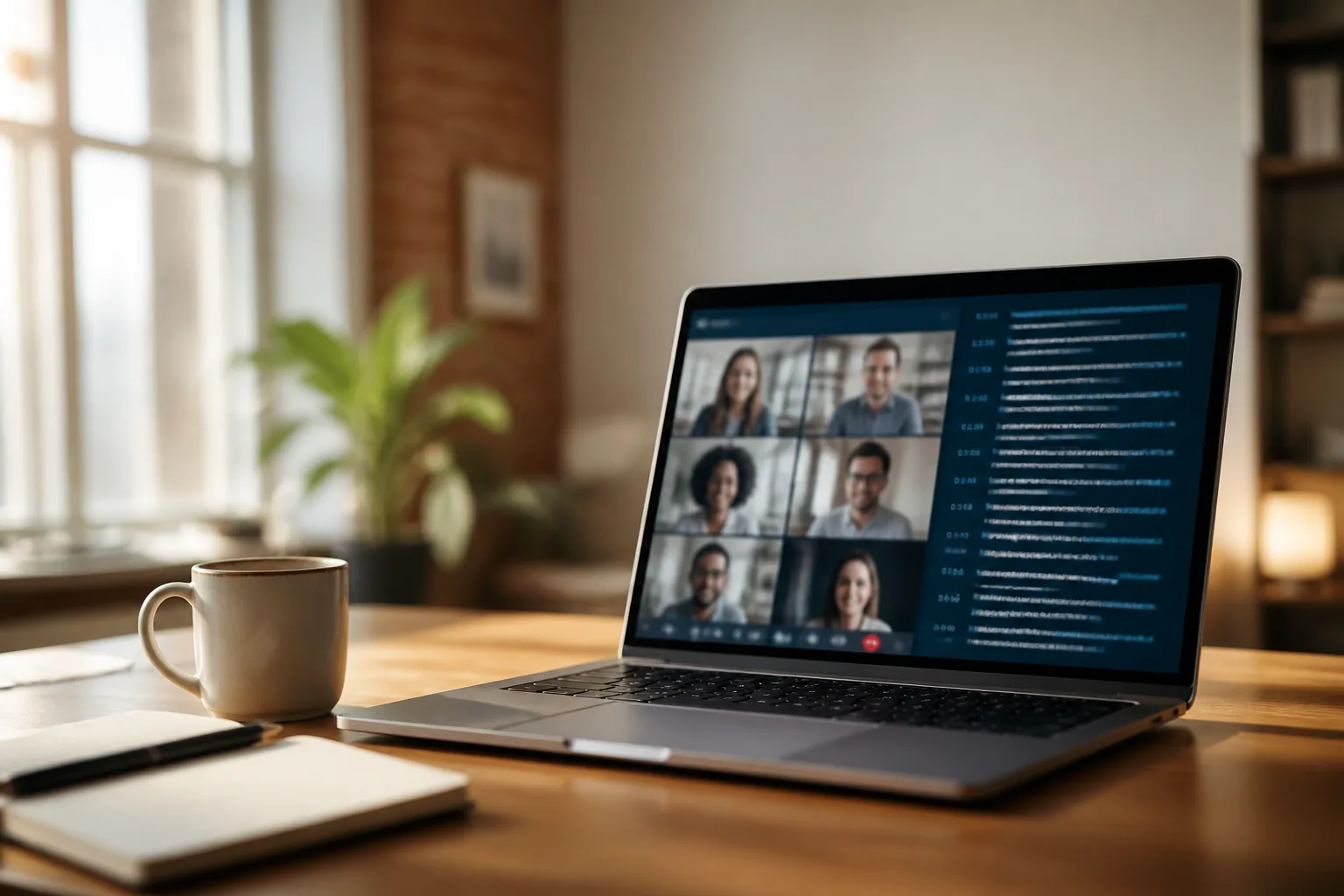
5. Upload the audio to Laxis. Once you are finished with the conversation, log into your Laxis account and upload the audio file. If you do not have an account, you can sign up for free here! (You can also have Laxis transcribing as the conversation is happening! Using Laxis live, you can highlight and tag important points as they are being discussed.)
6. Optimize the audio to text transcription. Input keywords and themes that you want to be highlighted and let Laxis do the rest!
Laxis allows you to maximize your time on Clubhouse. You can focus on the conversation as it’s happening while still making sure that any meeting insight is noted. By allowing Laxis to do the work of taking notes, you will never forget any important meeting takeaways again. Let Laxis’ powerful A.I. extract relevant insights from your conversations while you focus on the discussions at hand.
Try Laxis today and see for yourself how Laxis can help take your meetings and conversations to the next level.
Frequently Asked Questions
How do I transcribe a Clubhouse conversation?
Record the audio of the room using an app on your phone, computer, or tablet, then upload the file to Laxis to get an accurate text transcript. You can also run Laxis live during the conversation, highlighting and tagging important points as they are discussed.
Is it legal to record a Clubhouse room?
Before recording or transcribing any Clubhouse conversation, you should get permission from the attendees and follow Clubhouse's rules to avoid breaching privacy regulations. Recording without consent can get you removed from the app, so always confirm you have the right to record first.
Why shouldn't I use screen recording to capture Clubhouse audio?
On Clubhouse, the screen record function disables the audio and may result in your removal from the platform. Instead, use a separate audio recording app and then upload the file to Laxis for transcription.
Can Laxis pull out the key takeaways from a Clubhouse discussion?
Yes. Laxis uses AI to extract relevant insights from your conversations, so you can stay engaged in the discussion while it captures the important points. You can also input keywords and themes you want highlighted to optimize the transcript for your needs.