Sales Call Recording: How to Record Sales Calls (2026)

Sales call recording sounds like one button, and on a call you host it nearly is. It gets harder on the calls you don't host: the buyer sends a Teams link, or rings your mobile, and the record button isn't yours to press. Here's how to record sales calls on Zoom, Microsoft Teams, Google Meet, iPhone and Android, checked against each vendor's own help pages on November 16, 2026, plus the step that comes first (telling the buyer) and the one most teams skip (doing something with the file).
The short answer
- On calls you host, use the platform's recorder: Record in Zoom, More actions > Record in Teams, Meeting tools > Recording in Google Meet. Each one tells everyone on the call.
- On calls the buyer hosts, ask the host to record or to give you permission, or run a note taker on your own computer once everyone has agreed.
- On phone calls, the built-in Phone apps on iPhone and many Android phones can record, in supported regions, and both play a notice to the other person.
- Say it before you start. A one-line announcement in the first minute is courteous everywhere and required in some places.
Before you press record, tell the buyer
Every recorder in this guide shows or plays some kind of notice, but a notice isn't the same as agreement. Some U.S. states let one participant record a call; others require everyone on it to agree, and a call that crosses state or national lines can pull in the stricter rule. Our guide to whether it's illegal to record a conversation maps the rules by state and country. Treat it, and this article, as general information rather than legal advice.
For a sales team the practical answer barely changes from place to place: say it out loud in the first minute, before discovery starts. Something like:
"Before we dig in: is it all right with you if I record this call? It means I can listen properly instead of scribbling, and the recording stays with our team."
Two habits make that line stick. Mention the recording in the calendar invite as well, so nobody hears about it for the first time live. And if someone hesitates, switch it off and take notes by hand, or pause for the sensitive part. A buyer who trusts you is worth more than a transcript.
How to record a sales call, start to finish
- Announce the recording. Put it in the invite, say it again in the first minute of the call and wait for a yes from everyone on it.
- Pick the recorder that fits the call. Hosting on Zoom, Teams or Google Meet? Use the platform's recorder. The buyer is hosting? Ask for permission, or use a note taker on your own device. A phone call? Use your phone's call recording or a speakerphone.
- Start recording before the first question. The discovery questions in the opening minutes are the ones you'll want to hear again.
- Stop and find the file. Every platform saves somewhere different, so know where yours goes before you need it.
- Review it within a day. Score the call, put the next steps in your CRM and send the follow-up while the conversation is fresh.
How to record a sales call on Zoom
Zoom has two kinds of recording. Computer recording works on every account, free Basic included, but only in the Zoom desktop app for Windows, macOS or Linux; Zoom says it isn't supported on iOS, iPad or Android. Cloud recording needs a paid license (Pro, Business, Education or Enterprise), and only hosts and co-hosts can start it.
To record on your computer as the host:
- In the meeting controls toolbar, click Record.
- If a menu appears, choose Record on this Computer.
- Click Pause or Stop Recording when you're finished.
For the cloud, click More, then Record, then Record to the cloud. Computer recordings land in a Zoom folder inside Documents on Windows and Mac: an MP4 with video, plus an audio-only M4A file, which is the one to feed a transcription tool later. If you can't find it, our guide to where Zoom recordings go covers both folders and the cloud.
Not the host? You need permission. The host opens Participants, clicks More next to your name and chooses Allow Record; from your side, Record shows a Request to record to this computer option that sends the host a request. Cloud recording stays with hosts and co-hosts.
What the buyer sees: Zoom says it always notifies participants that a meeting is being recorded. People in the desktop or mobile app get a recording consent disclaimer, which they accept with OK or answer by leaving, and people who dialed in by phone hear an audio prompt. Transcripts come with cloud recordings on paid plans; computer recordings don't include one. For every setting in between, see our full guide on how to record a Zoom meeting.
How to record a sales call in Microsoft Teams
In a Teams meeting, recording now lives under More actions:
- Start or join the meeting.
- Select More actions > Record.
- Pick the spoken language and what to record (Audio only is one of the options), then select Confirm.
- To stop, go to More actions > Recording and choose whether to end the recording or just the live transcription.
Starting a recording starts transcription automatically, which helps later: the transcript is what you'll search. Everyone in the meeting gets a notification in their Teams app as soon as recording begins. Most meeting recordings are saved to the organizer's OneDrive, in a Recordings folder; channel meetings go to the team's SharePoint site. Our walkthrough on recording a Teams meeting covers licenses and settings in more depth.
Here's the catch for sales. Microsoft lets the organizer and people from the organizer's own organization record, with an eligible Microsoft 365 license and recording enabled by IT. Guests and people from another organization can't record a Teams meeting. When the buyer sends the Teams invite, you're the outside party, and the button simply isn't there for you.
How to record a sales call in Google Meet
Google Meet recording depends on the plan. Google Workspace Business Standard and Business Plus, the Enterprise editions, Workspace Individual, some Education editions and Google One plans with 2 TB or more of storage can record, and on Workspace an administrator has to switch recording on. The host can record, and so can others when the host allows it.
- In the meeting, click Meeting tools at the bottom right, then Recording.
- Click Start recording, then Start in the pop-up.
- To finish, open Meeting tools > Recording > Stop recording.
Participants get a notification when recording starts and when it stops. Google saves the file to the organizer's Drive, inside a folder named Google Meet that holds one sub-folder per meeting, and the organizer, plus whoever pressed record, gets the link by email. A meeting can be recorded for up to 8 hours in total. You can record from a computer or an Android device, not from the Meet app on iPhone. Transcripts are a separate switch, under Meeting tools > Transcribe, on some editions. More detail in our guide to recording Google Meet.
When the buyer hosts the call
This is where most plans for sales call recording quietly fall apart. Zoom needs the host's permission, Teams won't let an outside participant record at all, and in Google Meet the host's settings decide. Yet calls on the buyer's own platform are often the ones you most want to replay: their stakeholders, their questions, their objections.
You have three honest options:
- Ask. "Would you mind recording this and sharing it, or giving me permission to record?" Plenty of buyers say yes.
- Bring a visible note taker. An AI meeting bot joins as a named participant, so its presence is a notice in itself. Some companies don't admit outside bots, so check before you rely on one.
- Use a note taker on your own computer. A desktop app can capture your microphone and your computer's audio on any platform without joining the call. It also tells nobody anything, so the announcement is still yours to make.
What none of these should be is a way around a no. If the host has turned recording off or turned you down, that's the answer for this call: take notes by hand.
Recording calls you don't host
Laxis for Mac and Windows captures Zoom, Teams, Google Meet and Webex calls on your own computer, with no bot in the meeting, so it works whoever hosts, once everyone on the call has agreed. You tell the buyer; Laxis reminds you to. When you hang up, the transcript, summary and action items are waiting.
Free Basic plan, 300 minutes a month Get Laxis
How to record sales calls on iPhone and Android
Both major phone platforms can now record calls in the built-in Phone app in many places, and both tell the other person.
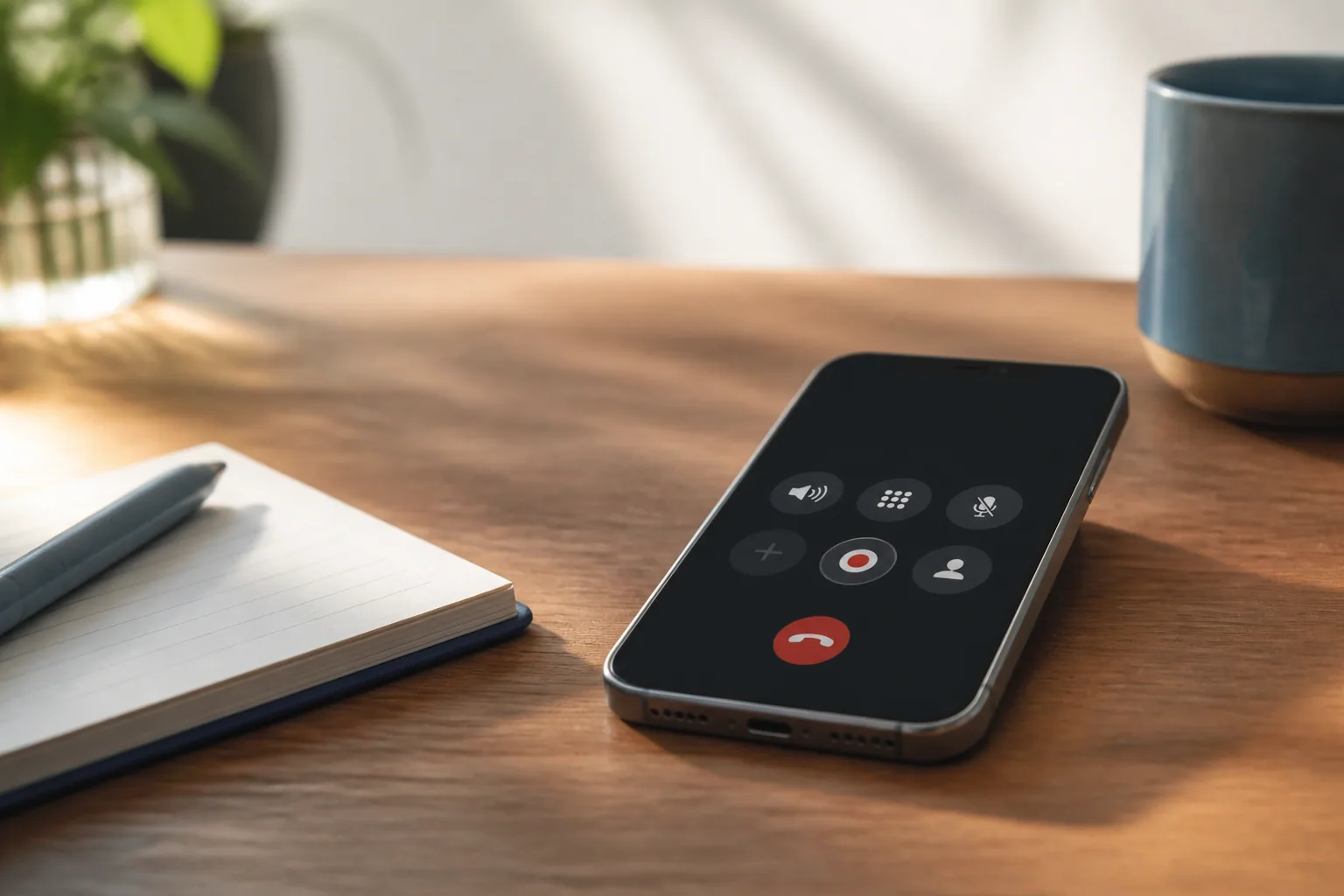
iPhone. On iOS 18.1 or later, during a call in the Phone app, tap the More button, then Call Recording. Apple says both participants hear an audio notice that the call is being recorded, and that the notice repeats during the call. Tap Stop Recording or hang up to finish. The recording is saved to a Call Recordings folder in the Notes app of whoever started it, with a transcript in select regions and languages. The feature itself is limited to select regions and languages, though only the person starting the recording needs it. Apple's own guidance is to make sure the other person is willing and gives explicit consent.
Android. The Google Phone app records calls on non-Pixel phones running Android 9 or later, and on Pixel 6 or later with Android 14 or later. Turn it on under Settings > Call recording, then tap Record during a call (on Pixel, Call Assist > Call Recording). Google says both parties hear a disclosure when recording starts and when it stops, that recordings stay on the device and aren't backed up, and that availability depends on country, device and carrier. Samsung Galaxy phones on One UI 7 or later have a Record icon in the Samsung Phone app, and Samsung's US page says participants get an audio notification (people added to a group call aren't notified).
None of these push anything to your CRM. You get an audio file and sometimes a transcript, and phone audio is harder to transcribe than a video call, for reasons our piece on call transcription explains. For Google Voice, older phones and more detail, see our phone-call recording guide. If your calls run through a dialer, check its admin settings instead: Zoom Phone, for example, records calls on its Metered, Unlimited and Pro plans and keeps the recordings in the cloud.
What to do with sales call recordings
A folder of recordings nobody plays back is a storage bill and a privacy risk. The value comes from four habits.
Review against a scorecard
Pick one call per rep per week and score it the same way every time: discovery, qualification, objections, next step. Our sales call review template has a copy-paste scorecard. Have the rep score their own call first, then compare notes, and jump to the moments that matter (the pricing question, the objection, the close) instead of replaying the whole hour.
Coach on moments
"At 14:20 she said the budget is set in Q1, and we moved straight on" is a coaching conversation. "Have a listen to the call" isn't. Two or three timestamped moments per review is plenty, and reps can bring their own.
Get the next steps into the CRM the same day
The recording's real job is accurate notes: who's involved, the problem in the buyer's own words, the next step and its date. Put a summary and the agreed next steps on the opportunity before the end of the day, and quote the buyer's phrasing in the follow-up email. If a call was recorded somewhere without a transcript, upload Zoom's M4A file to Laxis to get one; a free Laxis account includes 300 minutes a month.
Decide where recordings live, and for how long
Left alone, recordings scatter across Documents folders, OneDrive, Google Drive and phones. Agree where sales recordings are kept, who can open them and when they're deleted.
Where Laxis fits
Laxis, which we make, is an AI note taker that handles this mix of calls. On a Mac or Windows PC it captures your microphone plus your computer's audio, so it can take down a Zoom, Teams, Google Meet or Webex call, or a phone call on speaker, without a bot in the meeting. Prefer that the buyer sees the recorder? Invite the Laxis AI Assistant Bot, which joins under its own name. On a phone, the Laxis mobile app covers in-person meetings and calls on speaker. Each call becomes a transcript with named speakers, a summary and its action items, all searchable in one place; the AI meeting assistant overview has more.
The limits, plainly. The free Basic plan gives you a 300-minute monthly pool, which the Voice Keyboard and live translation also draw on, and it stops any single recording at 45 minutes and saves it; starting a new recording keeps you in the same note. For longer demos, Premium allows 2-hour recordings and 2,000 minutes for $15.99 a month, or $9.99 a month billed yearly, and adds AI Chat for questions across your calls. Syncing notes to HubSpot or Salesforce is a Business feature ($29.99 a month, or $19.99 billed yearly), not Premium. Audio goes to the cloud for processing, Laxis won't sign a BAA and isn't HIPAA compliant, and with bot-free recording the duty to tell people stays with you: Laxis reminds you, but it says nothing to the call itself. It's a note taker, not a revenue intelligence suite; if you need deal boards and team-wide coaching analytics, our guide to the AI note taker for sales teams covers when to look further.
The bottom line
Recording sales calls is easy on the calls you host and awkward on the ones you don't, and the awkward ones are usually the deals that matter. Make the announcement a reflex, choose a recorder that works whoever sends the invite, and judge the whole setup by one test: do the next steps reach the CRM the same day?
Record the call, keep your attention on the buyer. Laxis records Zoom, Teams, Google Meet and phone calls on speaker, then writes the transcript, summary and action items. 14-day Premium trial, no credit card. Download Laxis
Frequently asked questions
Is it legal to record a sales call?
Recording a sales call is legal in many places when the right people agree, but the rules vary. Some U.S. states let one participant record, others require everyone's consent, and a call across state or national lines can bring in the stricter law. Announce the recording at the start and get a yes. This is general information, not legal advice.
Will the other person know I'm recording the call?
The other person is notified when you use a platform's built-in recorder. Zoom shows a recording consent disclaimer, Teams sends every participant a notification, Google Meet notifies participants when recording starts and stops, and the built-in Phone apps on iPhone and Android play an audio notice. A note taker running on your own device announces nothing, so you have to tell people yourself.
How do I record a sales call on Zoom?
To record a Zoom sales call you host, click Record in the meeting controls and pick Record on this Computer; paid plans can also save to the cloud. Computer recording works on free accounts in the desktop app and saves an MP4 and an M4A audio file to a Zoom folder in Documents. Other participants need the host's permission.
Can I record a Teams meeting that a customer hosts?
You usually can't record a Teams meeting that another company hosts. Microsoft lets the organizer and people from the organizer's organization record, with an eligible license and recording turned on by IT, while guests and people from other organizations can't. Ask the host to record and share it, or use a note taker on your own computer once everyone agrees.
How do I record a sales call on iPhone or Android?
On iPhone, tap the More button during a call in the Phone app, then Call Recording, and the recording is saved to the Notes app. On Android, the Google Phone app records calls where supported once you turn on Call recording in its settings. Both play an audio notice to the other person, and both depend on your region, device or language.
What should a sales team do with call recordings?
A sales team should use call recordings for three jobs: reviewing calls against a consistent scorecard, coaching on specific timestamped moments, and getting accurate next steps into the CRM on the same day. Agree where recordings are stored, who can open them and when they are deleted, so a useful archive does not become a privacy risk.
Related Product
Laxis Meeting Assistant
Automate your notes today.
- Bot-free notes for Zoom, Google Meet, Teams and in-person meetings
- AI summaries, action items and follow-ups in 60+ languages
- Mac, Windows, iPhone and Android, with a free plan
Start for free, no credit card required.
Learn More ▷